UniWave Electric UniWave Electric

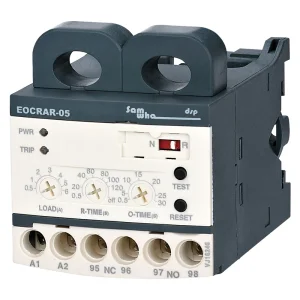
Independently Adjustable Starting Trip Delay & Operating Time Eocr Overload Relay Digital Overload Relay

Product Description

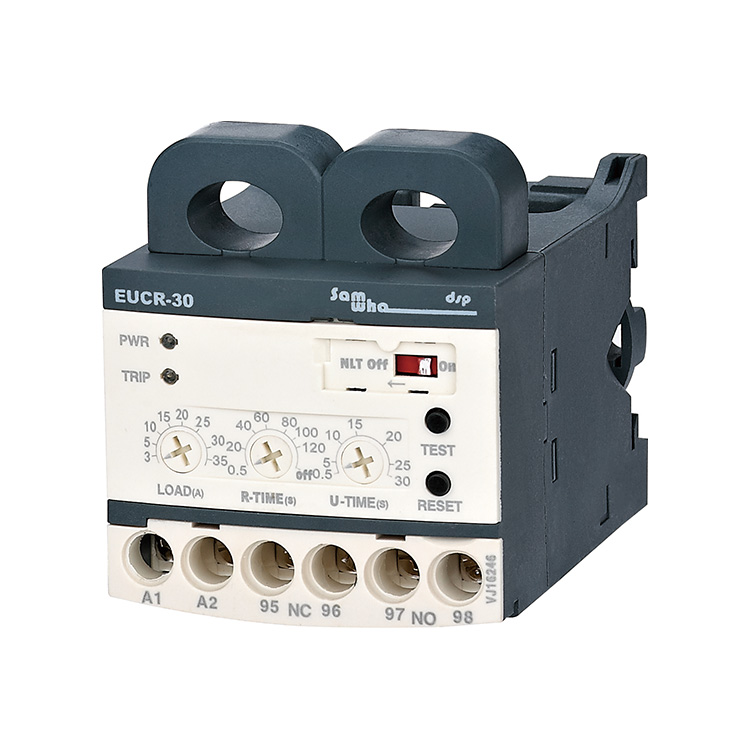
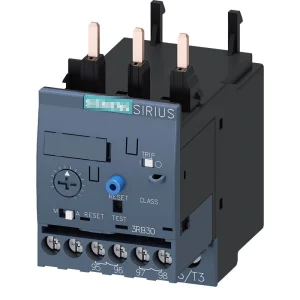
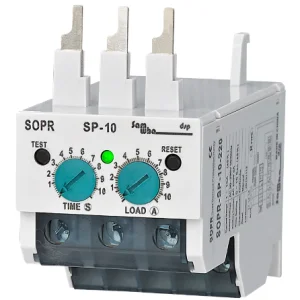
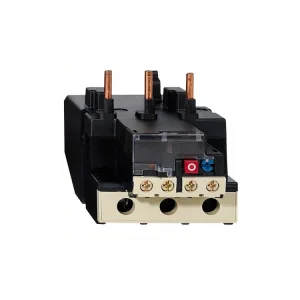
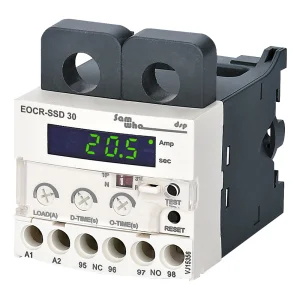
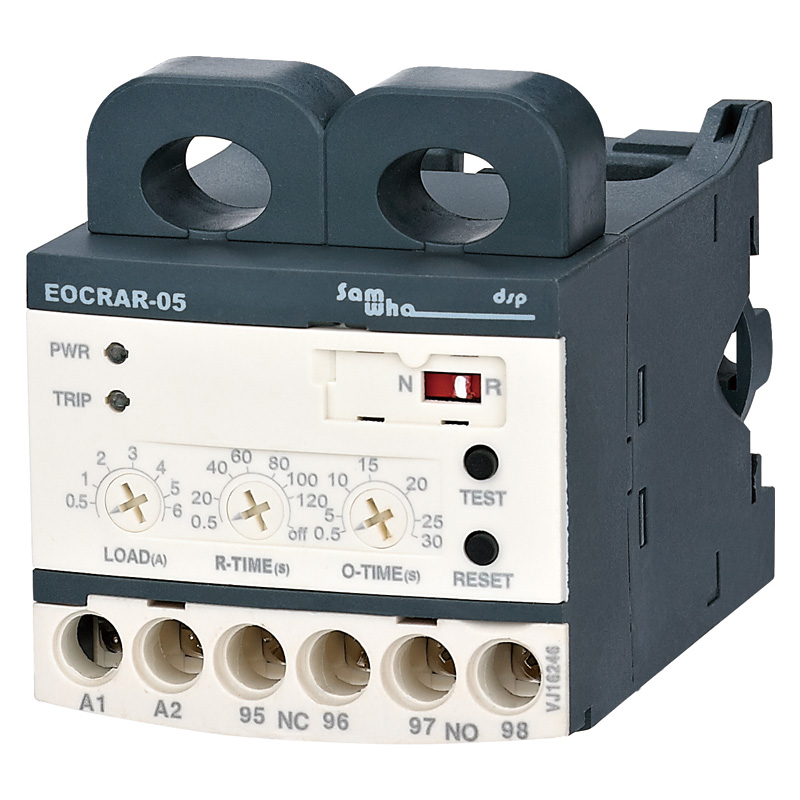
Product Image

Product Description

Product Detail
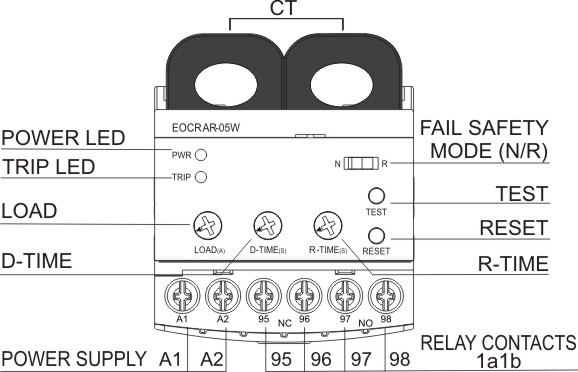
Product View 1
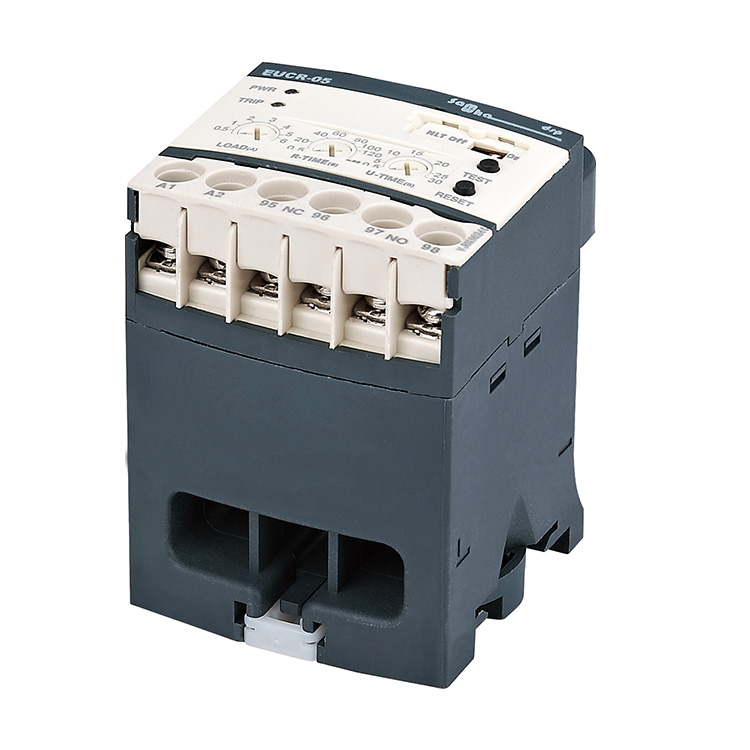
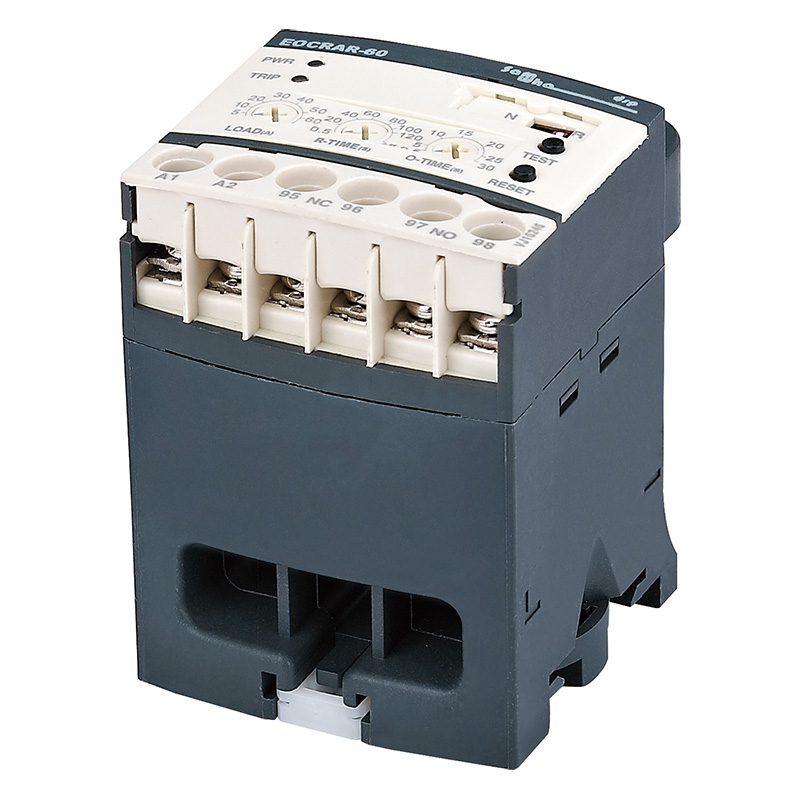
Product View 2

Features

  • Compact Design
  • Overload / Phase Loss / Locked Rotor protection
  • Independently Adjustable Starting Trip Delay & Operating Time
  • Wide Current Range: 0.1~600A
  • AC / DC Power Supply Universal
  • PWR & Trip Indication LED
  • Low Energy Consumption
  • Manual / Electric / Automatic Reset
  • No Volt Release / Fail-safe Operation (N Type)

Used for

Low Voltage Induced Electromotor (600V Level) Protective Relay

Break-Down Watch Current Relay

Alternative Replacement for the Existing Relay

Protection Parameters

Protective Item Operating (Trip) Time
Automatic ResetR-TIME
Over-CurrentO-TIME
Phase LossO-TIME
Locked RotorO-TIME

Instruction & LED Indication

Ammeter Function: After the motor runs smoothly, turn the overcurrent setting knob slowly counter clockwise to the red indicator light, which is 100% of the actual running current. And then turn the knob clockwise to just turn off the red light at this point for the actual running current value of about 103%.

Run / Operation Indicator: Relay Trip (Red LED), Power / normal operating status (Green LED).

Specifications

ItemDetails
Current Range0.5-6A, 3-30A, 5-60A, Over 60A (Use External CT)
Operating Voltage24-260VAC/DC or 180-460VAC
Operating Frequency50/60Hz
Operating Power<2W
Operating Temperature-20°C ~ +55°C
Reset/Trip TimeR-Time: 0.2-120s / O-Time: 0.2-12s
Mounting35mm Din Rail or Panel
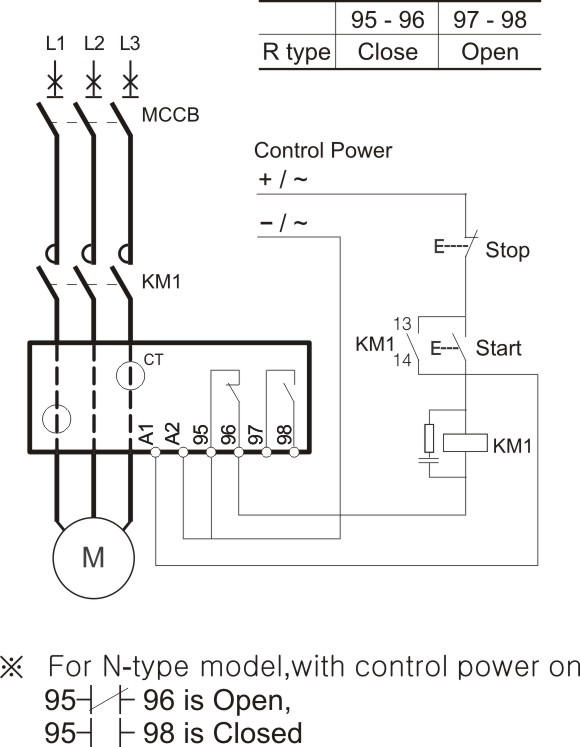
Connection Diagram
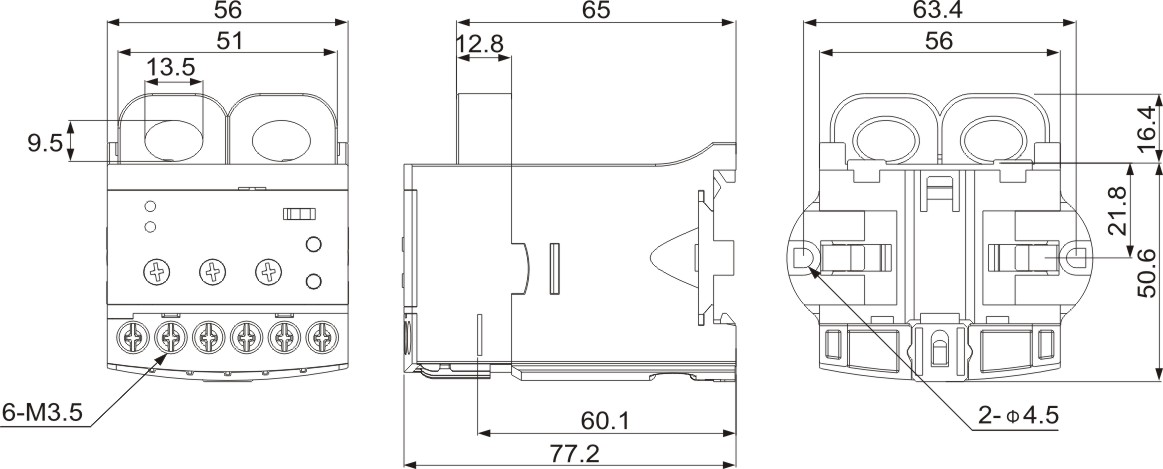
Dimensions

Related Products

Related Products

Frequently Asked Questions

1. What are the main protection features of this relay?
It provides comprehensive protection including Overload, Phase Loss, and Locked Rotor protection.
2. Is this device compatible with AC and DC power supplies?
Yes, the device features a universal design compatible with both AC and DC power supplies.
3. How do I determine the actual running current?
Turn the overcurrent setting knob counter-clockwise until the red indicator light turns on, which marks 100% of the current, then adjust clockwise to turn it off for a ~103% setting.
4. What does the green LED indicate?
The green LED indicates the Power/Normal operating status of the device.
5. What is the recommended setting for R-TIME?
R-TIME (Reset Time) should be set two or three seconds longer than the time required for the motor to return to normal temperature.
6. Can I use this for motors requiring more than 60A?
Yes, for currents over 60A, you can use an external CT (secondary 5A) with the 05 type unit.

Related Products